
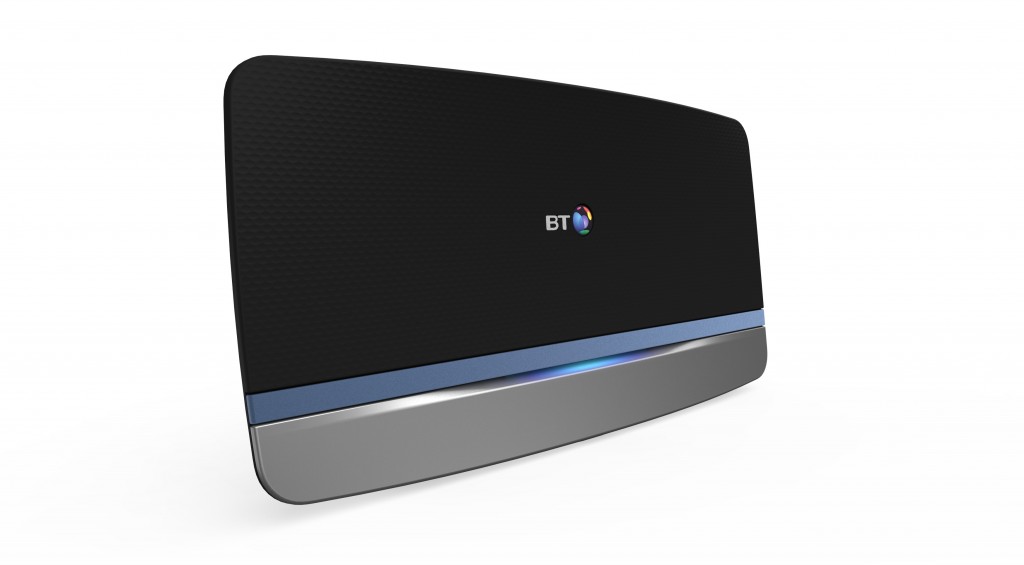
 The Expression “don’t spoil the ship for a ha’p’orth of tar” often comes to mind when thinking about home networks. It is easy when buying a broadband service to simply accept their included broadband router and say “thank you very much”. You plug your computer and NAS drive into it, connect up your prized digital streaming player and all seems to work perfectly – Great!
This is fine, if this is pretty much all you are connecting, however add a few more devices and it is easy to get into trouble, to the extent that the trusty freebie router can’t quite cut it.
We find that very many home networks start off by tbeing quite simple, then over time, more and more devices get added. A Gigabit switch gets added to provide more ports for your new equipment. WiFi Access points get added because the WiFi signal doesn’t quite get to the far end of the house relaibly. Another Gigabit switch gets added by the HiFi Rack, because you’re wantiong to connect the Apple TV, Blu-Ray Player, Digital Streaming Player, Game console, remote control system, Smart TV, Satellite receiver, and your internet connected drink cooler!
Now you add a few more streaming players around the house, so you can play music in each room, and find that things don’t seem to work quite as seamlessly as they did. Many digital streaming players use a system calle Multicast to allow one player to stream the traffic to multiple other players at the same time. This is great for a part mode where players are linked together and play the same music at the same time, however not so good for the home network.
This is an all too familiar situation – the network evolves over time, and never gets a chance to be designed from the beginning. There are some devices that are particularly hungry when it comes to network resources, and other devices that can cause bottlenecks. A bit of careful planning can ensure that the impact of these on other network devices and traffic can be minimsed.
There are three areas that we consider need to be thought about:
- Router
- WiFi Access
- Switching
The router is the heart of the home network. It provides the gateway to the internet and controls the network address allocations. Often these are a combined device with the Internet modem, router and Wifi access point all built into one.
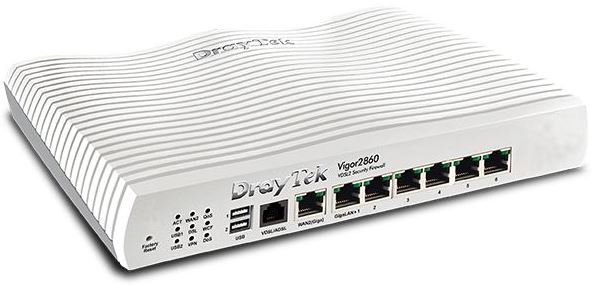 Higher specification routers are able to host a variety of additional services including higher specification security, Virtual Private Network access, VLANs to keep bits of your network separate, and alternative Internet access routes (4G) etc. Keeping your network organised, is very important, as if any devices end up with the same IP address, trouble ensues.
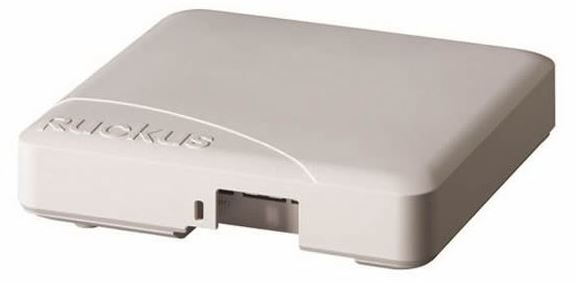 WiFi Access Points offer a range of performances dependant on the protocols and range used. The 802.11g standard from 2005 provides up to 54Mbps whereas the latest 802.11ac provides up to 1.9Gbps by combining datastreams across multiple bands. In addition to this, WiFi was deisgned to be a point to point link, so once a link is established, if you walk away from the WiFi Access point, the link will maintain for as long as the signal can be seen, even though you may be next to a much stronger signal. A Managed WiFi system is able to determine the relative location of a client device and force it onto a stronger signal and hence faster link.
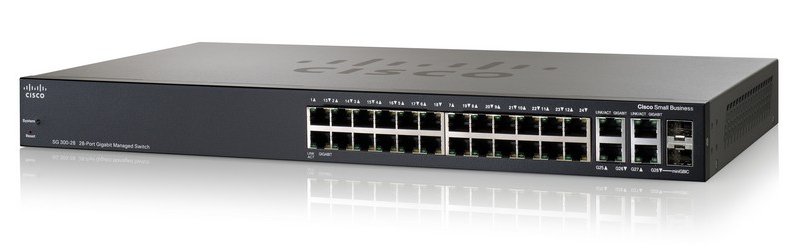 Data switches are not all born equal – switches as a minimum need the power to be able to cover the whole bandwidth of all ports simultaneously. There are also a host of features that become really useful for more complicated networks. One of these is a feature called IGMP snooping. This allows the switch to listen into the data traffic to provide a map of multicast traffic, and only direct the multicast traffic to the appropriate ports. When using a digital streaming players together to play the same music, this feature effectively prevents this traffic from interfering with other network traffic.
A well designed and programmed network, can work seamlessly with a wide range of devices and services, and also help dramatically when things go wrong. A Virtual Private Network (VPN) link to the router enables us to remotely “dial-in” to the network securely to assist with troubleshooting, so we can get a very good idea of what is going on without even having to visit your home. Avoiding networking pitfalls allows each network component to work at its best, allowing you to enjoy your entertainment without having to become a network programmer.
Contact us about your home networking requirements!